
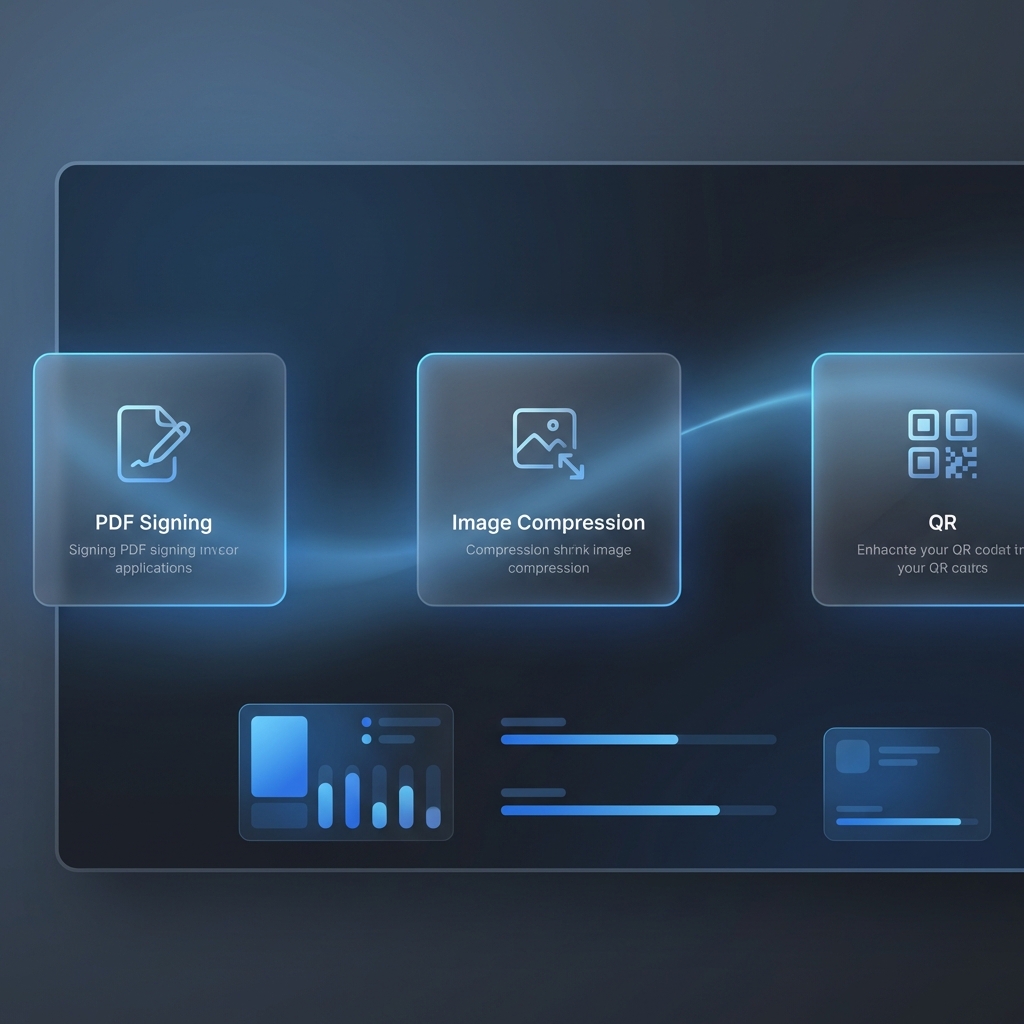
QuickEasyTools - Privacy-First Online Utilities
A suite of browser-based productivity tools with honest pricing and no subscription traps. Live at quickeasytools.com.
QuickEasyTools.com
Live Production Website
A growing suite of browser-based productivity tools designed for working professionals who are tired of subscription bloat and privacy concerns.
The Problem
Every day, professionals need to sign PDFs, compress images, merge documents, or generate QR codes. The current landscape offers:
- Adobe: $20+/month for basic PDF operations
- Free alternatives: Loaded with ads, hidden limits, or suspicious privacy practices
- Desktop software: Bulky installs, often outdated
The Solution
QuickEasyTools provides simple, honest utilities with a core philosophy:
- 🔒 Privacy First: All processing happens in your browser—files never touch a server
- ⚡ No Bloat: Each tool does one thing well
- 💰 Honest Pricing: Pay what you want ($1-5), no subscriptions
- 📱 Works Everywhere: Responsive design for desktop and mobile
Available Tools
PDF Signer
Upload a PDF, draw your signature, add the date, download. That’s it.
- Canvas-based signature drawing
- Automatic date stamping
- Client-side PDF manipulation with pdf-lib
Image Compressor
Reduce image file sizes without noticeable quality loss.
- Supports JPEG, PNG, WebP
- Adjustable quality settings
- Batch processing
PDF Merger
Combine multiple PDFs into a single document.
- Drag-and-drop reordering
- Page preview
- No file size limits
QR Code Generator
Create QR codes for URLs, text, or contact information.
- Multiple size options
- Download as PNG or SVG
- Custom colors
Text Case Converter
Transform text between different cases (UPPER, lower, Title, etc.)
Image Format Converter
Convert between image formats (PNG ↔ JPEG ↔ WebP)
PDF Compressor
Reduce PDF file sizes for email or web upload
Technical Architecture
┌─────────────────────────────────────────────────┐
│                   Frontend                       │
│  Static HTML/CSS/JS (Hosted on Cloudflare)      │
│  ├── Landing Page (Marketing)                   │
│  └── /apps/* (Individual tool pages)            │
└─────────────────────────────────────────────────┘
                        │
                        ▼ (Payment flow only)
┌─────────────────────────────────────────────────┐
│                   Backend                        │
│  Node.js + Express                              │
│  ├── Stripe Integration                         │
│  └── Email Delivery (Nodemailer)                │
└─────────────────────────────────────────────────┘
Frontend Stack
- Pure HTML/CSS/JS for tool pages (minimal dependencies)
- React + TypeScript for the PDF signing app
- pdf-lib for client-side PDF manipulation
- Canvas API for signature drawing
Backend Stack
- Node.js + Express for API
- Stripe for payment processing
- Nodemailer for email delivery
- Deployed on Railway/Render
Hosting
- Cloudflare for DNS and CDN
- Static assets served directly
- Custom domain: quickeasytools.com
Design Philosophy
The site follows a “tools for workers” design language:
- Clean, professional aesthetic
- No dark patterns or manipulative UX
- Mobile-first responsive design
- Accessibility-compliant (WCAG)
- Fast loading (minimal JavaScript)
Business Model
- Free tier: All tools work without payment
- Pay-what-you-want: Optional $1-5 contribution
- Future: Premium features for power users
What I Learned
Building a production website taught me:
- Deployment pipelines: CI/CD with Cloudflare Pages
- Payment integration: Stripe webhooks, error handling, edge cases
- SEO optimization: Meta tags, structured data, sitemap generation
- Privacy regulations: GDPR considerations for a tool that handles documents
- User-centric design: Solving real problems people actually have
Links
- Live Site: quickeasytools.com

Optimized CUDA Kernels - 22x Faster LayerNorm+GELU
You Might Also Like


Optimized CUDA Kernels - 22x Faster LayerNorm+GELU
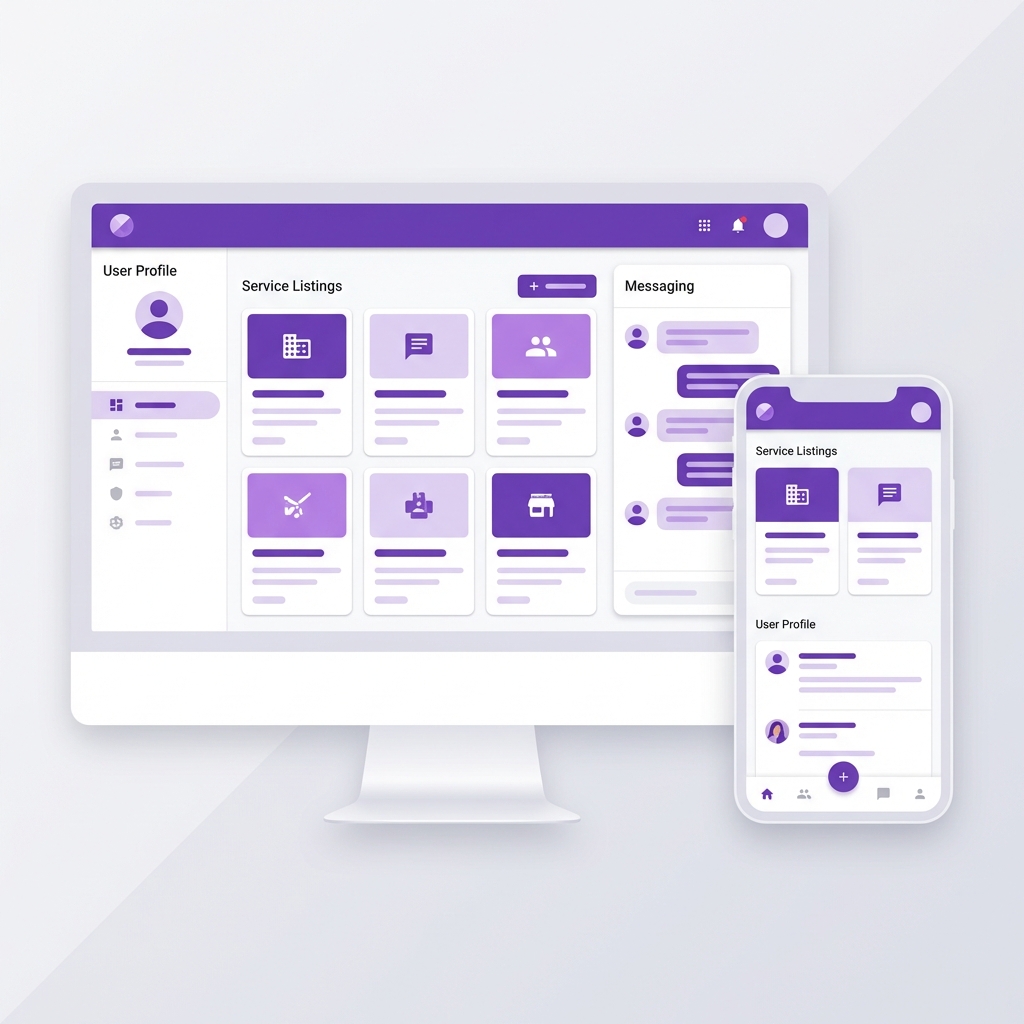
Freebo - Full-Stack Freelancing Marketplace