

Full-Stack / TypeScript

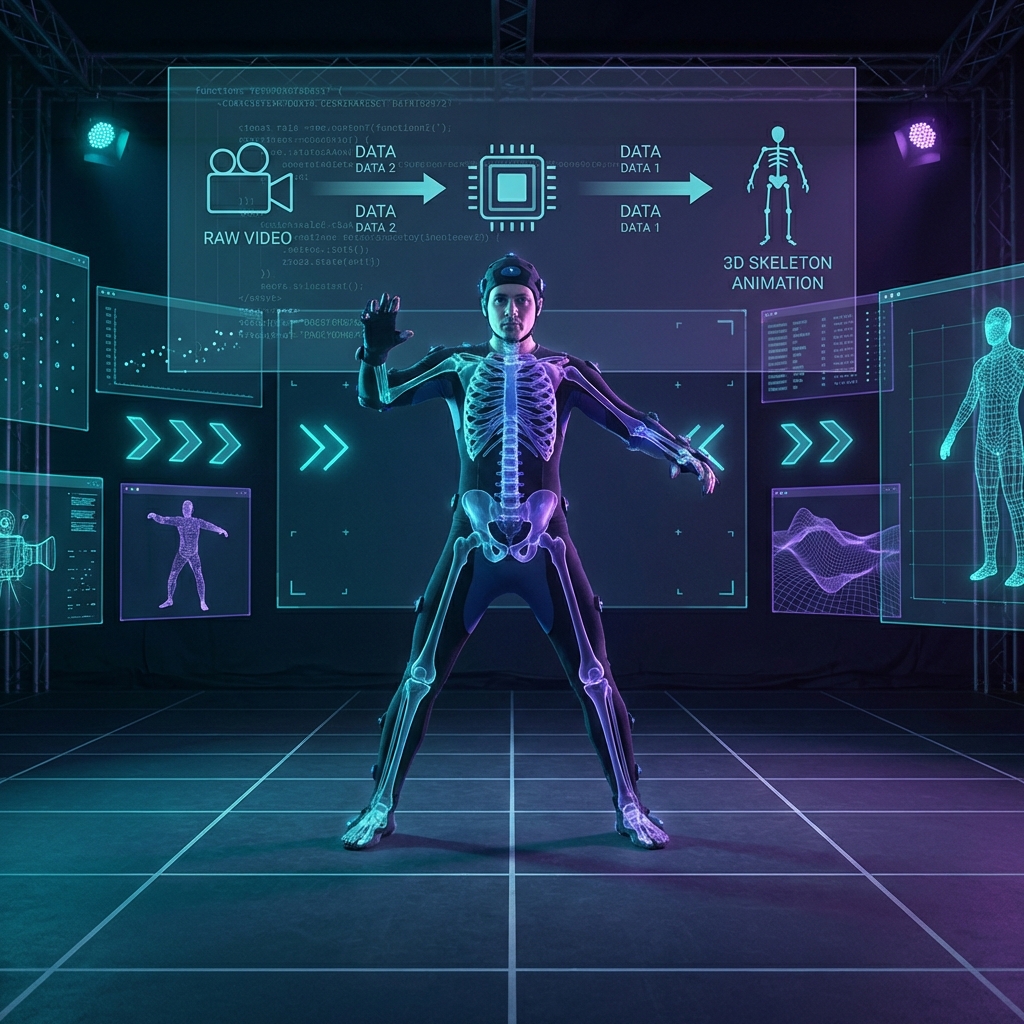
An end-to-end pipeline converting regular video into game-ready motion capture using SAM3D, SMPL-X, and Blender, with direct export to Unreal Engine.
Transform regular video footage into professional motion capture data compatible with Unreal Engine—no expensive mocap suits or studio setup required.
This pipeline leverages Meta’s SAM-3D (Segment Anything Model for 3D bodies) to extract human motion from video, converts it to the industry-standard SMPL-X body model, and exports animation-ready FBX files that work directly with Unreal Engine’s Manny skeleton.
┌─────────────┐     ┌─────────────┐     ┌─────────────┐     ┌─────────────┐
│   Video     │────▶│   SAM-3D    │────▶│  SMPL-X     │────▶│   Blender   │
│   Input     │     │  Tracking   │     │  Params     │     │   Export    │
└─────────────┘     └─────────────┘     └─────────────┘     └─────────────┘
                          │                   │                    │
                          ▼                   ▼                    ▼
                    track_000.npz      *_smplx.npz           *.fbx
                    (MHR mesh seq)     (body params)      (Unreal-ready)
Uses Meta’s SAM-3D model to extract per-frame body pose from video:
Converts Meta’s proprietary MHR format to the open SMPL-X body model:
python sam3d_track_to_smplx.py \
  --track_npz track_000.npz \
  --out_npz track_000_smplx.npz \
  --gender male \
  --batch_size 12
Key features:
For visualization without runtime dependencies:
python smplx_params_to_vertex_cache.py \
  --smplx_params track_000_smplx.npz \
  --out_cache track_000_vertex_cache.npz
Precomputes all mesh vertices for lightweight Blender visualization.
Two export paths optimized for different workflows:
Exports using Meta’s original skeleton:
blender -b -P mhr_track_to_fbx.py -- \
  --track_npz track_000.npz \
  --mhr_rig_fbx lod1.fbx \
  --output_fbx track_000_mhr.fbx
Exports directly to Unreal’s Manny skeleton—no retargeting needed:
blender -b -P mhr_track_to_manny_fbx.py -- \
  --track_npz track_000.npz \
  --mhr_rig_fbx lod1.fbx \
  --manny_fbx Manny.fbx \
  --output_fbx track_000_manny.fbx
Advanced options:
--skeleton_only: Export armature without mesh (smaller files)--apply_global_rot: Include world-space orientation--max_hand_deg: Clamp hand rotations to prevent snapping--no_twist: Disable twist bones for cleaner animationMHR uses a different skeleton hierarchy than Unreal’s Manny. The pipeline implements:
Multiple mapping modes handle different body parts optimally:
global_delta: For root motion and pelvisrelative_delta: For spine and extremitiesFBX export preserves:
I developed this pipeline specifically to capture fencing movements for game development:
No mocap suit. No expensive hardware. Just video and compute.
mamba create -n mhrconv -c conda-forge \
  python=3.12 pymomentum pytorch numpy scipy trimesh tqdm
pip install smplx